User Friendly Electronic Components
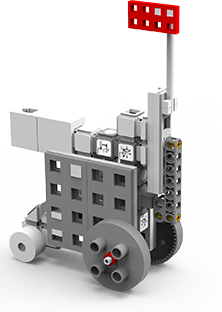
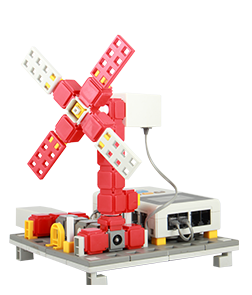
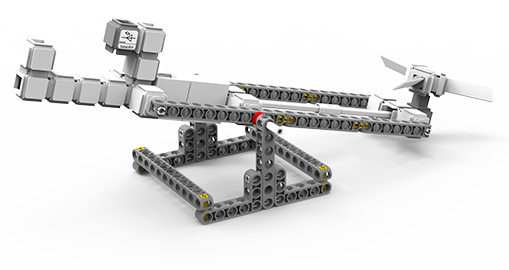
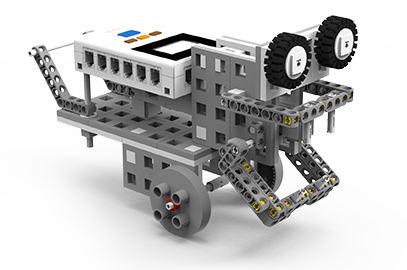
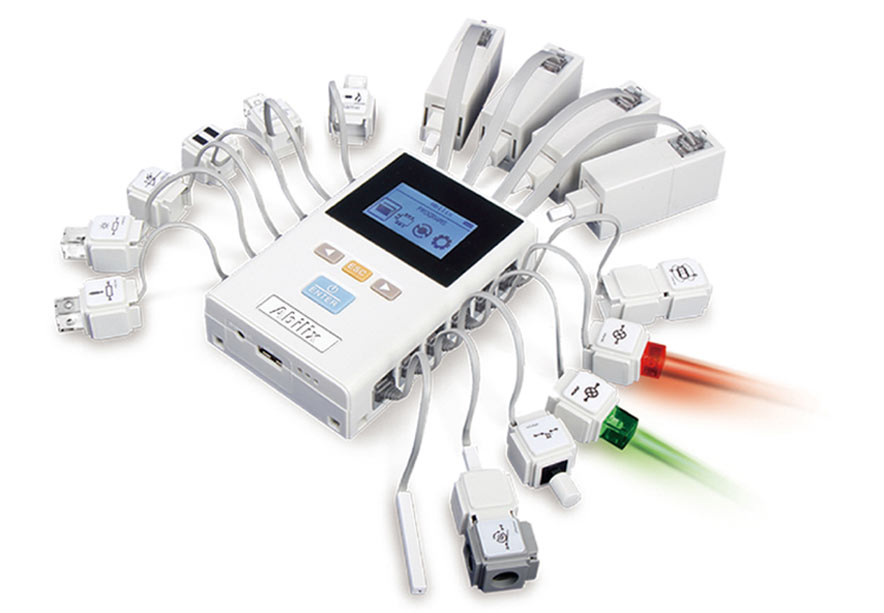
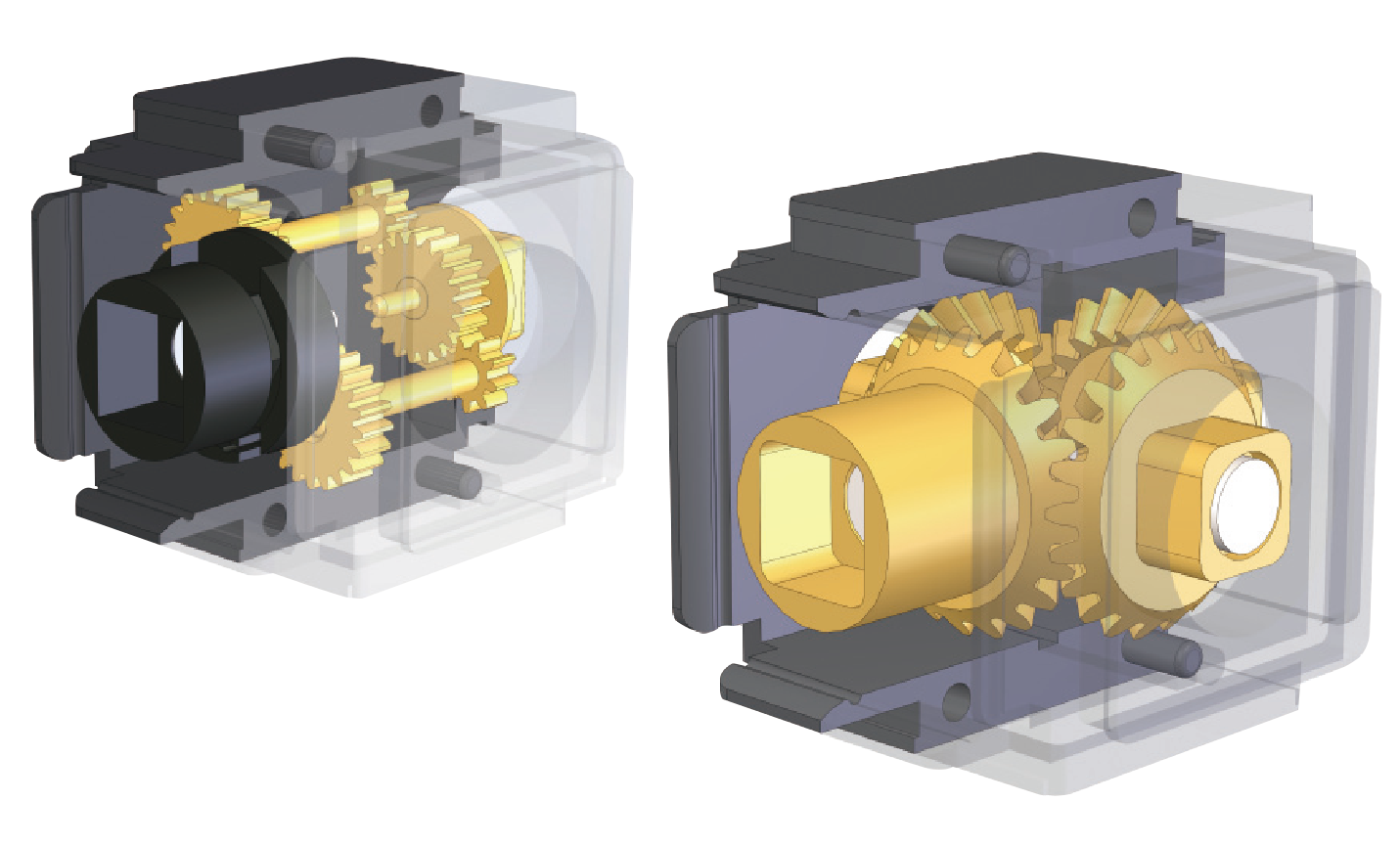
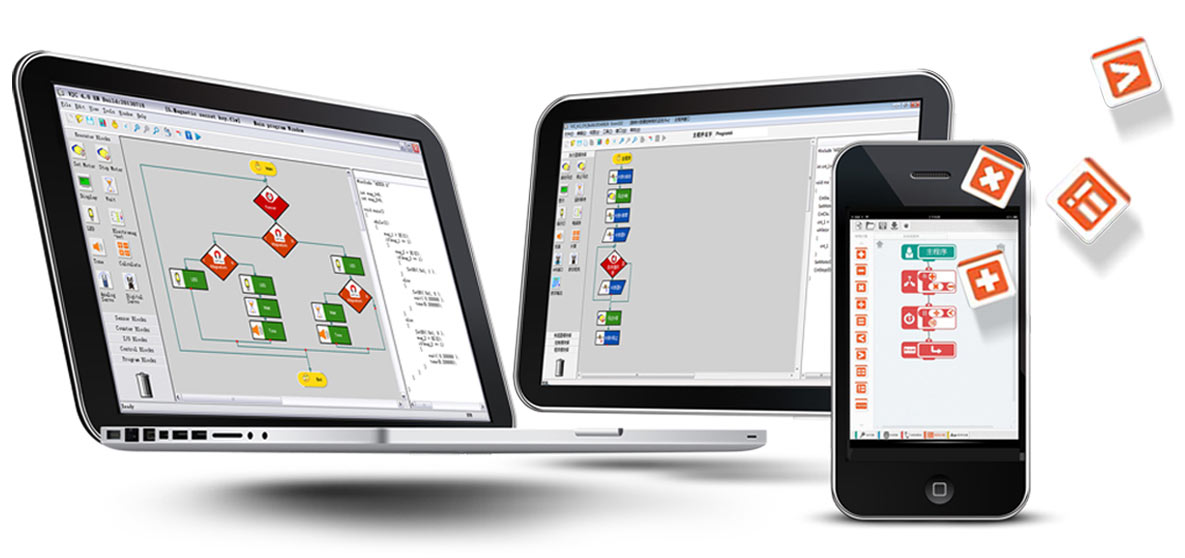
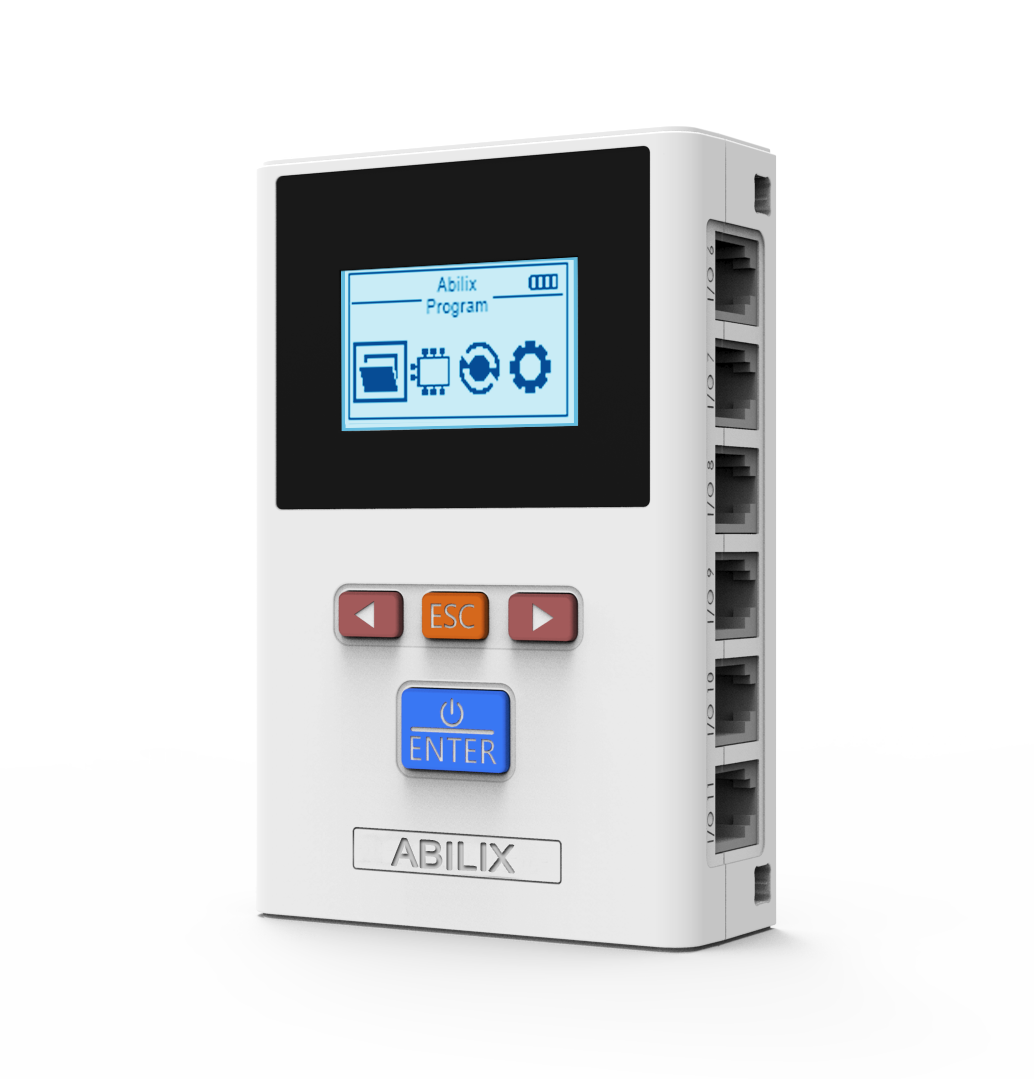
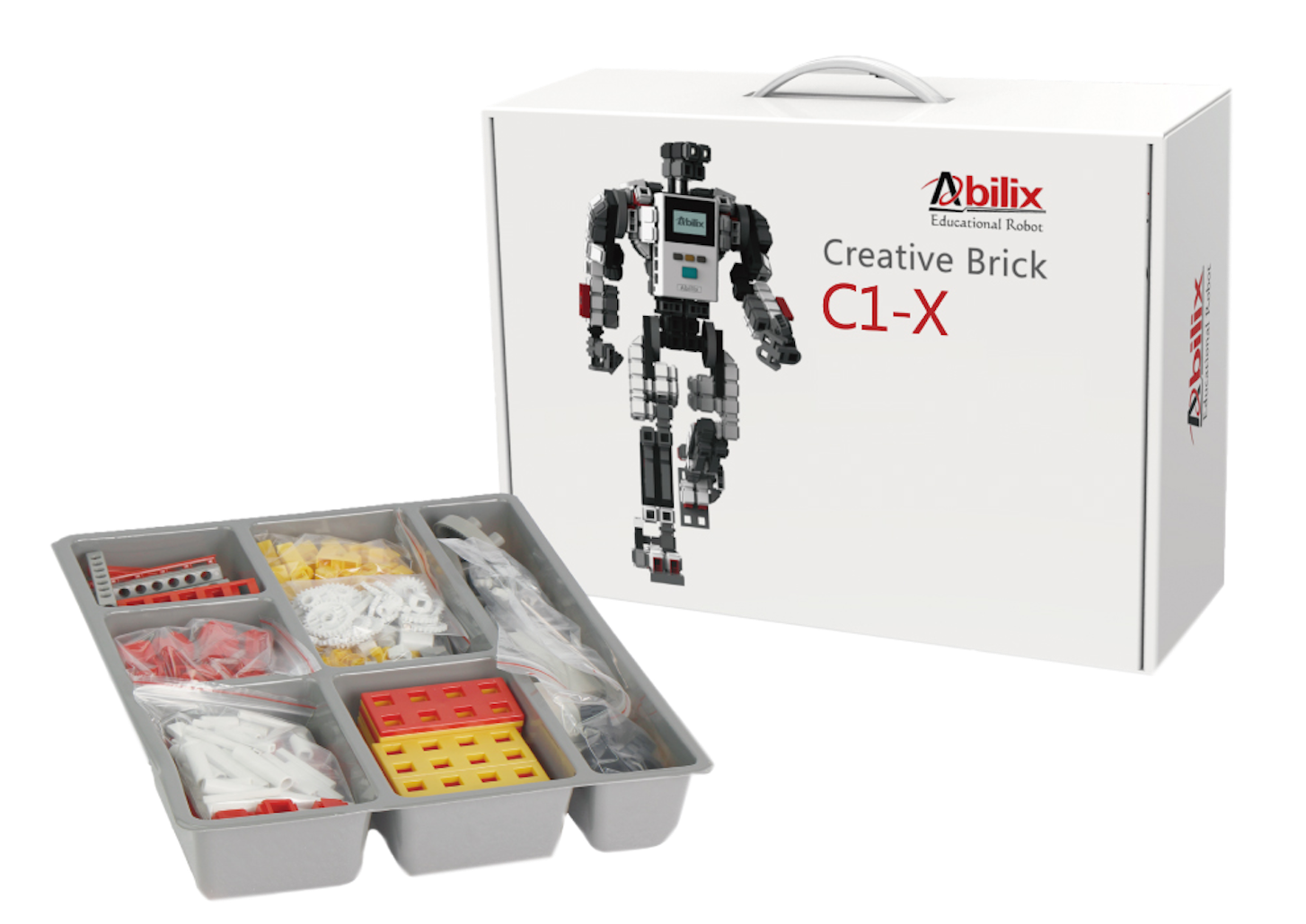
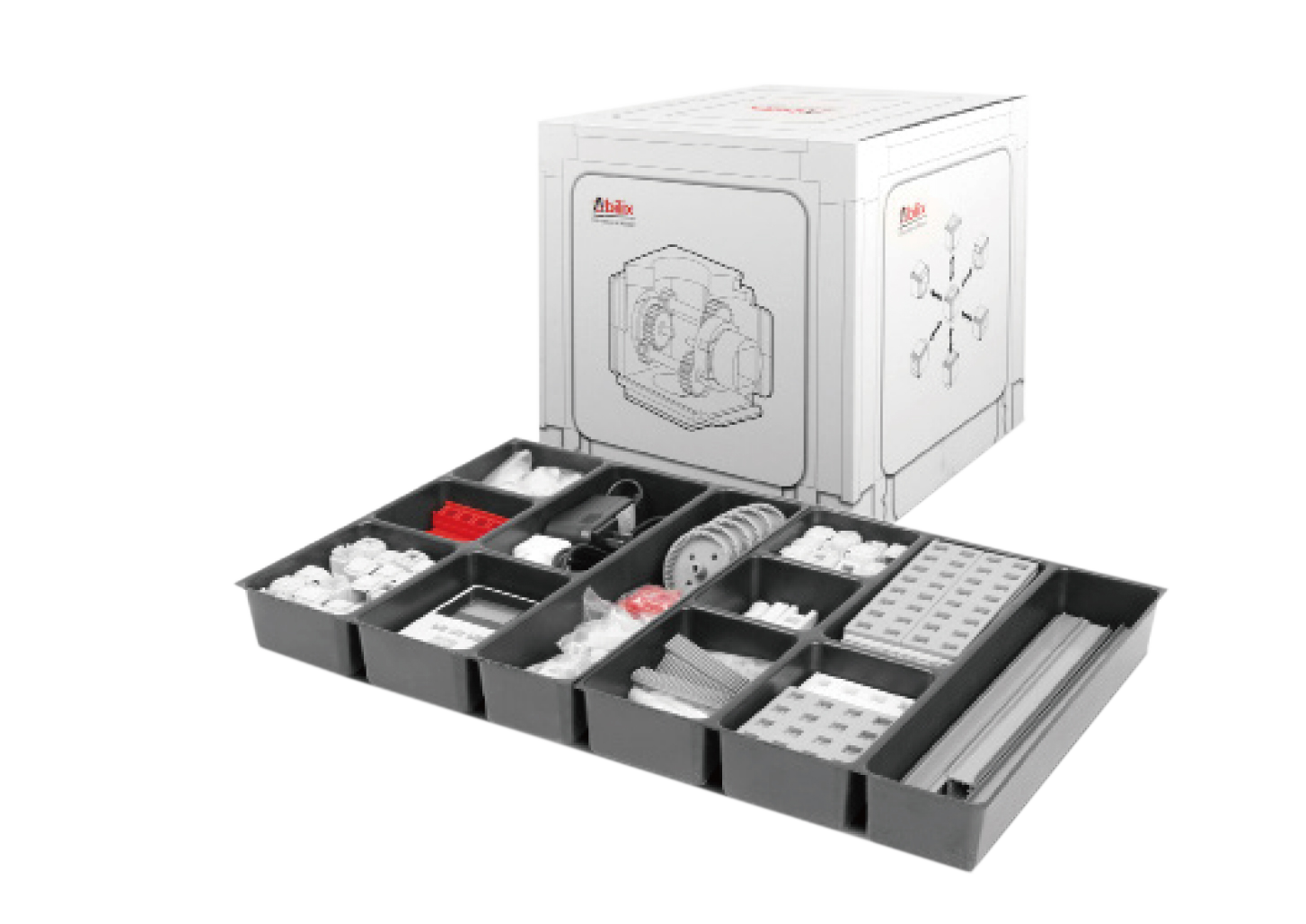
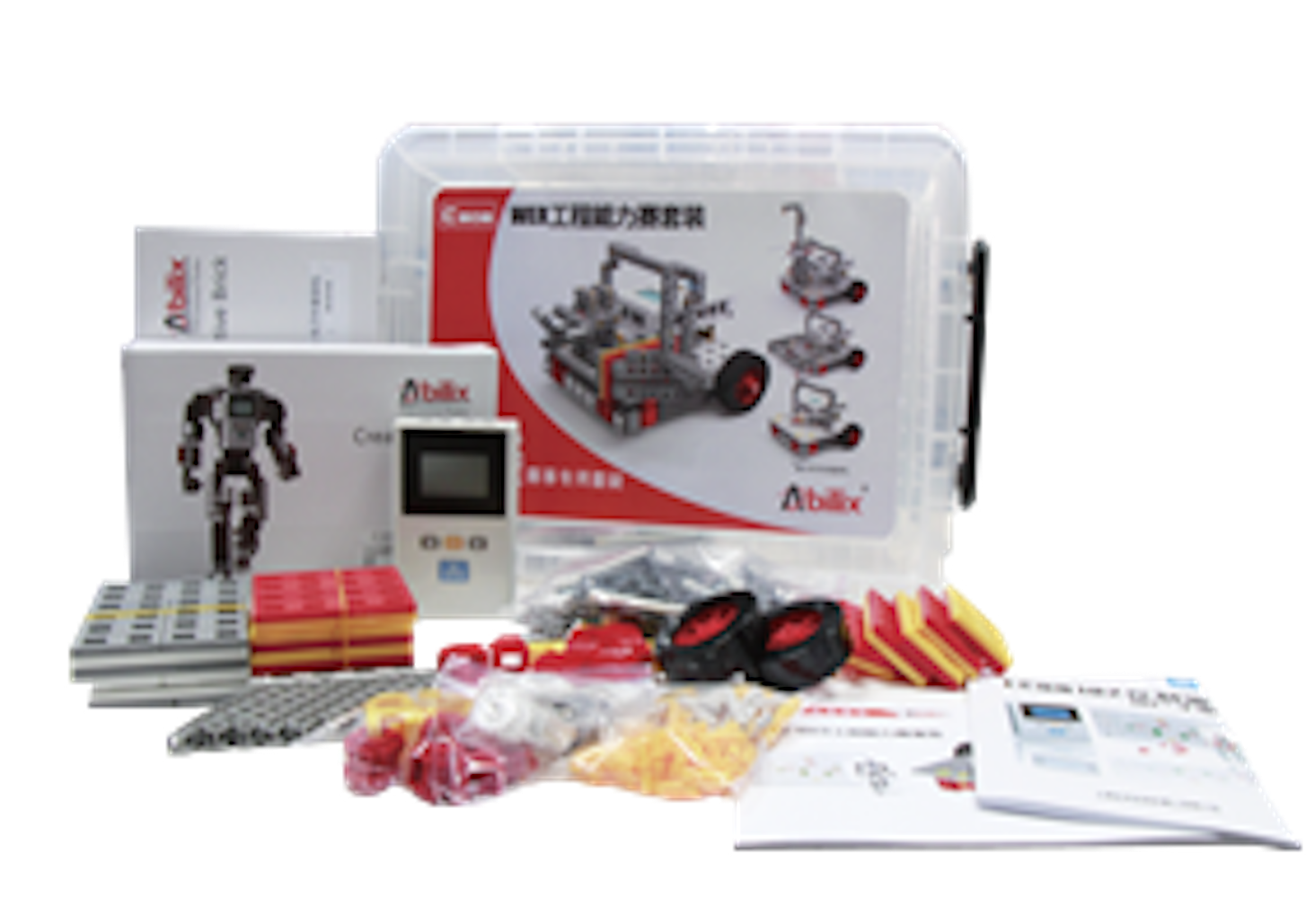
All electronic and mechanical components are modular design, the main components are integrated into the cube, which can realize three dimensional combination, do not need to use any screws or soft firmware can easily complete system set up.
Oppo A79 5g Cph2557 Mdm Ota Remove Firmwareby Link Full May 2026
The quest to remove the MDM (Mobile Device Management) lock on the Oppo A79 5G (CPH2557) Go to product viewer dialog for this item.
often involves navigating complex firmware hurdles, particularly after an OTA (Over-The-Air) update re-locks the device. The Core Challenge
An MDM lock is a security feature used by organizations to control devices. For the
, a standard factory reset usually won't remove this restriction because the lock is tied to the device's serial number or IMEI in the manufacturer's cloud. Users often find that even if they temporarily bypass the lock, a subsequent OTA update will detect the unauthorized state and "re-brick" or re-lock the phone. The Removal Process
Technicians generally use specialized tools to perform a "full" firmware flash to strip the MDM components. Common methods include: oppo a79 5g cph2557 mdm ota remove firmwareby full
UMT Tool (Ultimate Multi Tool): This is a popular choice for technicians. The process involves using the MTK (MediaTek) module to flash specific MDM-removal firmware. UnlockTool or Pandora Box:
These professional GSM tools are frequently used to "patch" the device and disable the MDM enrollment.
Firmware Flashing: Removing the lock permanently often requires a full flash of the Oppo A79 5G CPH2557 Firmware
designed specifically for MDM fixes. This overwrites the system partitions where the management profiles reside. Critical Risks The quest to remove the MDM (Mobile Device
OTA Issues: If you use a "bypass" rather than a full removal, any future OTA update will likely bring the lock back. Brick Risk: Using the wrong firmware version for
can result in a "brick," where the phone fails to boot or gets stuck in a boot loop.
Data Loss: These procedures wipe all user data, so a backup is essential before attempting any firmware changes.
For those stuck with a re-locked device after an update, professional help via platforms like Tanvir's MDM Fix or video guides like Rey Unlocker's UMT tutorial are common resources for finding the necessary files. Open SP Flash Tool → Load the scatter
Do you have a specific tool like UMT or UnlockTool that you are planning to use for this? Unlock #OppoMdm Oppo A79 5G MDM Fix CPH ... - Facebook
Given the specifics, I'll provide a general guide that could help with firmware-related issues on Oppo A79 5G (CPH2557), but please note that specific steps can vary based on the exact nature of your issue, the software version, and the tools you're required to use.
Part 1: Understanding the Oppo A79 5G CPH2557’s Security Layers
Before attempting any modification, it is crucial to understand why the CPH2557 is difficult to unlock.
Step 5: Flash Full Firmware with SP Flash Tool
- Open SP Flash Tool → Load the scatter file from your full firmware folder.
- In the “Download” tab, select Format All + Download – this erases the MDM enrollment flags.
- Important: Uncheck the “OTA” partition (if visible) or, after flashing, we will manually disable OTA.
- Click Download.
- Wait for the red, purple, yellow, and green progress bars (approx 5–8 minutes).
Safety and Legal Considerations:
- Always use genuine and officially sanctioned methods to modify your device's firmware to avoid violating warranty terms or damaging your device.